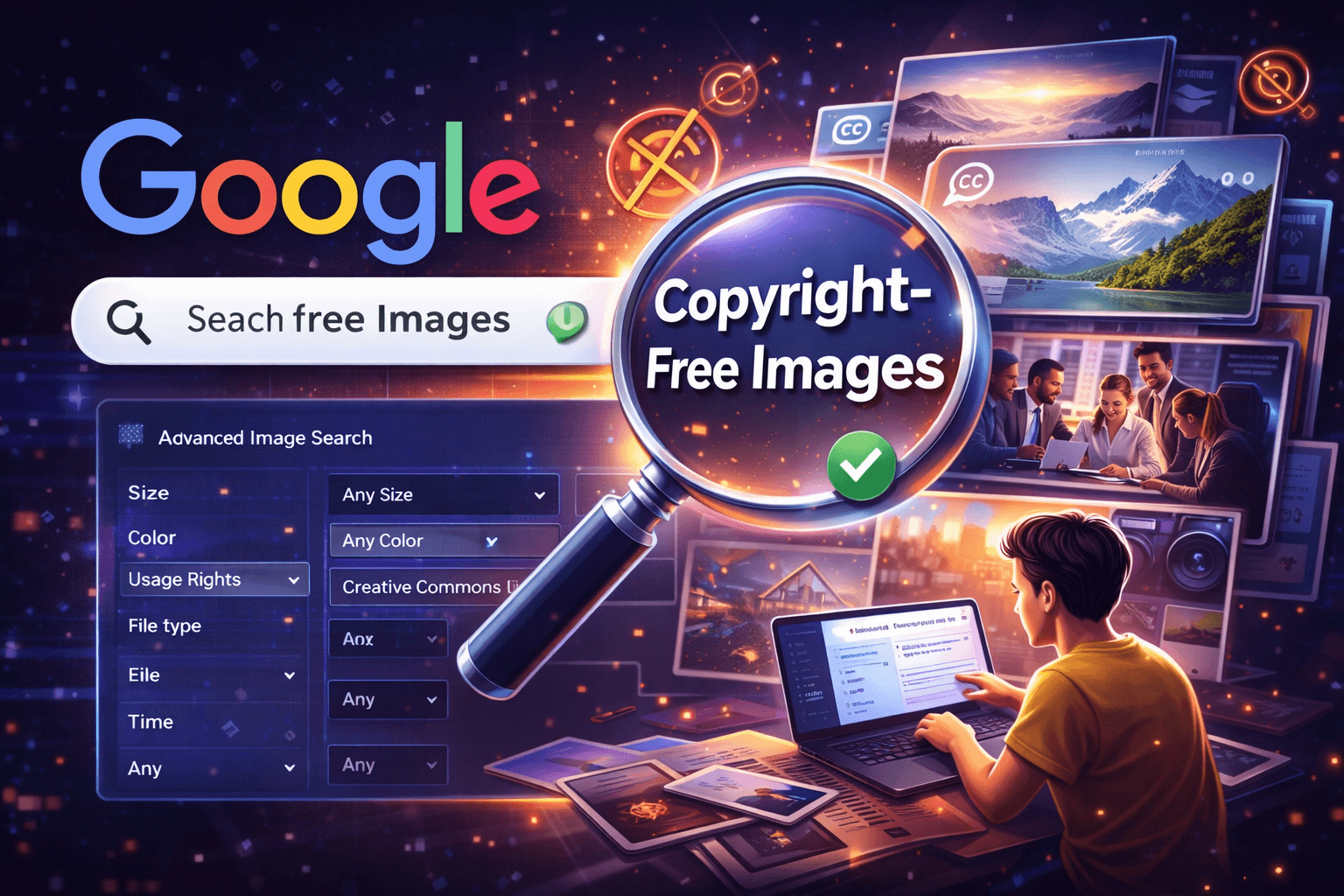
If you’ve ever downloaded an image from Google and thought, “Can I actually use this?”, you’re not alone.
Most people don’t realize this but…
Not all images on Google are free to use.
And using the wrong image can lead to:
- Copyright claims
- Legal notices
- Even financial penalties (USD-based claims in some cases)
So the real question is:
How do you find copyright free images on Google safely?
Let’s break it down step by step.
Want a custom plan based on your business?
You're not alone most businesses waste money on the wrong strategy.
Let our experts analyze your website and show you exactly what to fix.
What Are Copyright-Free Images?
Before we jump into the process, let’s understand this clearly.
Copyright-free images are images that you can:
- Use without permission
- Modify if needed
- Use for commercial purposes (depending on license)
But here’s the catch…
Google doesn’t host images. It only shows them.
That’s why you need to filter results properly using Google Images usage rights.
Why This Matters (Especially for Businesses)
If you’re:
- Running a blog
- Managing ads
- Posting on social media
Using the wrong image can hurt your brand.
In fact, when we work on SEO strategies (like in this guide on ), image compliance is always part of the checklist.
Because:
SEO is not just text. It’s visuals too.
Step-by-Step: How to Find Free Images on Google
Now let’s get practical.
Step 1: Go to Google Images
- Visit Google Images
- Search for your keyword (example: “business meeting”)
Step 2: Click on “Tools”
Once results load:
- Click on Tools (below search bar)
You’ll see filters appear.
Step 3: Use “Usage Rights” Filter
This is the MOST IMPORTANT step.
Click:
Usage Rights → Creative Commons licenses
This filters:
copyright free images Google shows
Step 4: Choose the Right Image
Before downloading:
- Check source website
- Verify license
- Look for attribution requirements
Step 5: Download & Use Safely
Once confirmed:
- Download image
- Credit author if required
- Use in blog, ads, or social content
Pro Tip: Use Advanced Image Search for Better Results
Instead of basic search, use Advanced Image Search
This allows you to filter by:
- Size
- Color
- File type
- Usage rights
It’s basically advanced image Google search on steroids.
Using advanced image Google search makes it easier to filter copyright-free images quickly.
This advanced photo search method helps businesses save time and avoid legal issues.
Best Alternatives for Free Images
Sometimes Google isn’t enough.
Here are better options:
| Platform | Best For | Free/Paid |
| Unsplash | High-quality free images | Free |
| Pexels | Blog & marketing images | Free |
| Shutterstock | Premium stock images | Paid |
If you want a full breakdown, check Best Advanced Image Search Tools (Free & Paid) in 2026
Common Mistakes to Avoid
This is where most people mess up.
❌ 1. Assuming Google images are free
They are NOT.
❌ 2. Ignoring usage rights
Skipping this step can lead to copyright issues.
❌ 3. Not checking source website
Sometimes filters aren’t 100% accurate.
❌ 4. Using images for ads without permission
This is risky, especially in US markets.
How This Helps Your SEO
Using the right images can:
- Improve user experience
- Increase time on page
- Boost rankings
Want more leads from your website?
Get a FREE website audit and discover exactly what’s stopping your growth.
✅ SEO Audit
✅ Lead Generation Plan
✅ Competitor Analysis
Real Example (Simple Scenario)
Let’s say you’re writing a blog.
Instead of:
❌ Random Google image
You use:
✔ Filtered Creative Commons image
Result:
- No copyright risk
- Better SEO
- Professional content
People Also Ask (FAQs)
How do I find copyright free images on Google?
Use Google Images → Tools → Usage Rights → Creative Commons.
Are Google images free for commercial use?
No, only images with proper licenses can be used commercially.
What is Google Images usage rights?
It’s a filter that helps you find images based on licensing permissions.
Can I use images without giving credit?
Only if the license allows it. Otherwise, attribution is required.
Final Takeaway
If you remember just one thing, remember this:
Google is not the source. It’s just a search engine.
Always:
- Check usage rights
- Verify source
- Use proper filters
That’s how you safely use images without risk.
Want Traffic Like This for Your Website?
This blog ranks because of SEO.
Imagine your business showing up like this on Google.
👉 More traffic
👉 More leads
👉 More sales
Get your free SEO consultation