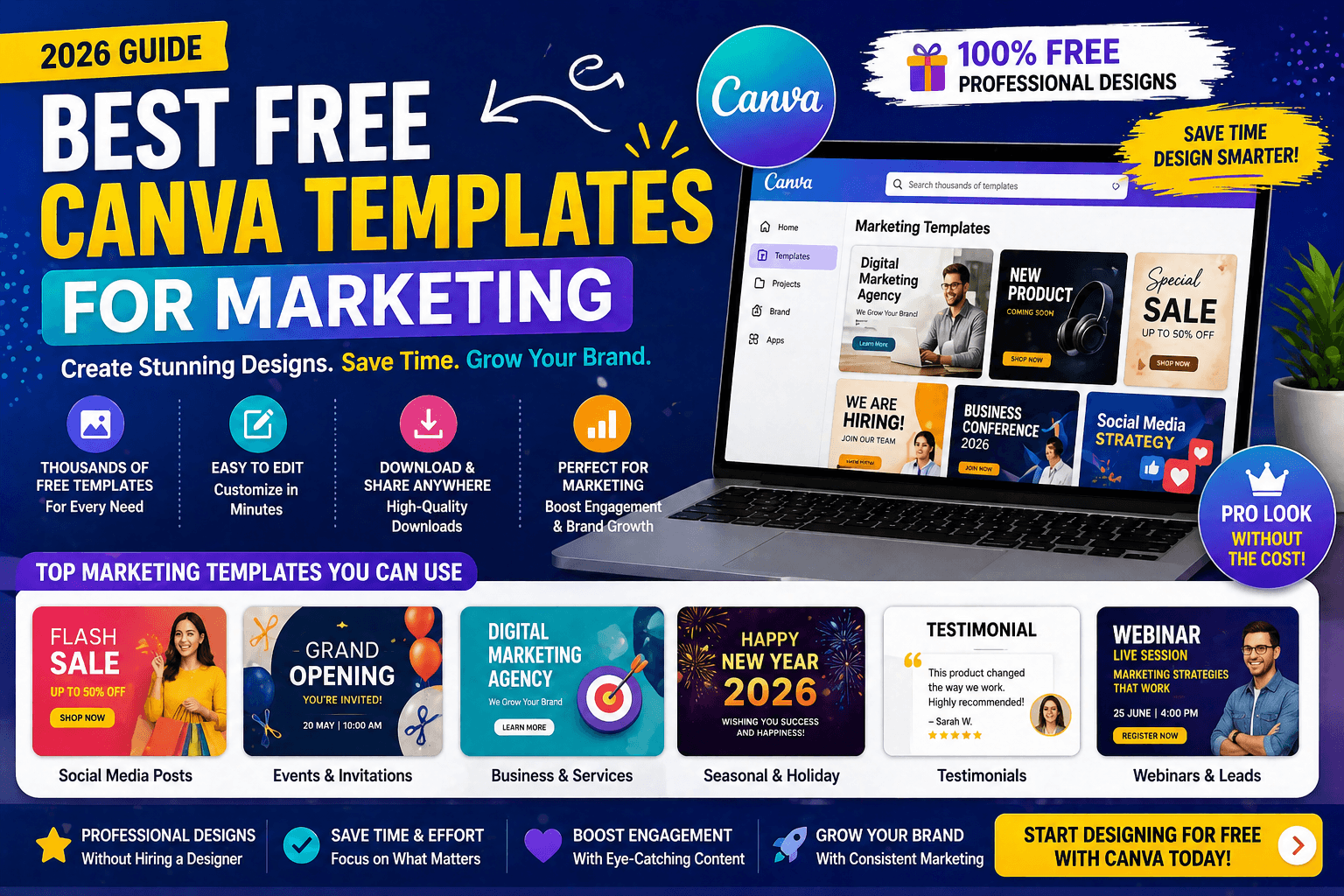
If you’ve ever tried to design a social media post from scratch, you already know how frustrating it gets.
Fonts don’t match. Colors look off. Layout feels weird.
And after 30 minutes, you still don’t have something usable.
That’s where Canva templates change everything.
Instead of starting from zero, you start from something that already works.
In this guide, I’ll show you the best free Canva templates for marketing, and how to use them to create content faster and better.
What Are Canva Templates?
Canva templates are pre-designed layouts that you can customize.
You can edit:
- Text
- Colors
- Images
- Branding
This saves time and improves design quality instantly.
Why Marketers Use Canva Templates
Let’s keep it real.
Marketing is not just about ideas.
It’s about execution.
Canva templates help you:
- Create content faster
- Maintain brand consistency
- Improve engagement
Best Free Canva Templates for Marketing
Here are some of the most useful categories:
1. Social Media Post Templates
Best for:
- Instagram posts
- Facebook creatives
- LinkedIn graphics
These templates are designed for engagement.
2. Instagram Story Templates
Stories need:
- Quick attention
- Clean design
Templates help you create them in minutes.
3. Marketing Presentation Templates
Perfect for:
- Client presentations
- Business proposals
4. Ad Creatives
Use templates for:
- Facebook ads
- Instagram ads
- Promotional banners
This improves click-through rate.
5. Branding Templates
Includes:
- Logos
- Business posts
- Visual identity
How Canva Templates Connect to Marketing Strategy
Here’s something most people miss.
Templates are not just about design.
They are part of your marketing system.
For example:
- Better design → higher engagement
- Higher engagement → better reach
If you want to understand how marketing works overall, check out definite digital marketing playbook in 2026
Pro Tips for Using Canva Templates
- Always customize colors to match your brand
- Avoid overused templates
- Keep text minimal
- Focus on clarity
Combine Canva with Other Marketing Tools
Canva works best when combined with other tools.
For example:
- Use Canva for design
- Use scheduling tools for posting
- Use analytics tools for tracking
This creates a complete system.
Canva Free vs Canva Pro
| Feature | Free | Pro |
| Templates | Limited | Full access |
| Elements | Basic | Premium |
| Branding tools | No | Yes |
Free version is enough for beginners.
Common Mistakes to Avoid
- Using templates without customization
- Overloading design with text
- Ignoring brand colors
Real Example
Let’s say you need to post daily on Instagram.
Without templates:
👉 30–40 minutes per post
With templates:
👉 5–10 minutes
Result:
👉 Consistency + better content
FAQs
Are Canva templates free?
Yes, many templates are free to use.
Can I use Canva templates for business?
Yes, they are widely used for marketing.
Do I need Canva Pro?
Not necessary for beginners.
Final Takeaway
If you’re creating content regularly, Canva templates are not optional.
They are essential.
They save time, improve quality, and help you scale content.
Want Traffic Like This for Your Website?
Ready to grow your business with proven strategies?
We help brands generate consistent leads using SEO, Ads & Automation.