Google Maps SEO Guide: Master Local Search & Boost Your Business
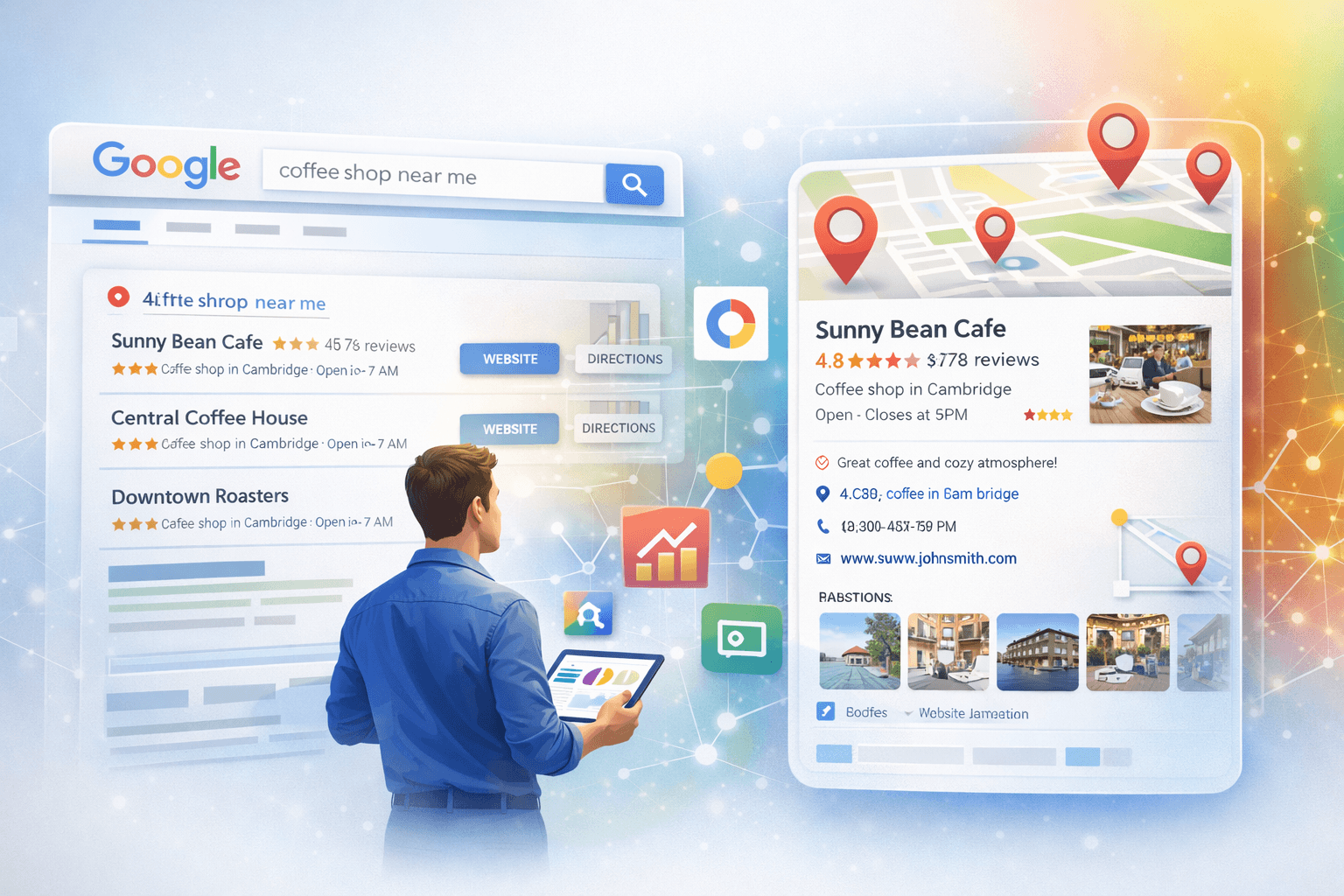
Ever found yourself lost in a new city, frantically searching “coffee shop near me” on your phone? Or maybe you’re a small business owner wondering why your competitor always shows up first when someone searches for your services locally? If you've been there, you've experienced the power of Google Maps SEO firsthand.
In today's fast-paced digital world, local visibility is make-or-break for businesses that rely on local customers. Whether you run a restaurant, a salon, a plumbing service, or a boutique, showing up prominently on Google Maps can drive foot traffic, phone calls, and ultimately, sales. Ignoring local SEO tips and Google Maps optimization is like having a fantastic storefront but no sign — people just won't know you're there.
This comprehensive guide will walk you through everything you need to know about Google Maps SEO, from understanding its core principles to implementing advanced strategies. Get ready to put your business on the map, literally!
What Exactly is Google Maps SEO?
Google Maps SEO, or Local SEO for Google Maps, is the process of optimizing your online presence to rank higher in Google Maps and local search results. When someone types a query with local intent (e.g., “best pizza in Dwarka” or “dentist near me”), Google Maps pulls up a list of relevant businesses, often accompanied by a map. Your goal with Google Maps SEO is to be among those top results, ideally in the coveted “local pack” — the top three business listings that appear prominently at the top of organic search results.
It’s different from traditional SEO, which focuses on organic website rankings globally or nationally. Google Maps SEO hones in on geographic relevance, helping potential customers find your physical business location.
Why Google Maps Ranking Matters for Your Business
Still not convinced about dedicating time to Google Maps optimization? Here are a few compelling reasons:
- Increased Visibility: Being visible on Google Maps means more eyeballs on your business. Many searches today have local intent, even if users don't explicitly add "near me."
- Higher Foot Traffic & Leads: When people find you on Google Maps, they are often looking to make a purchase or visit soon. This translates directly into more customers walking through your door or calling you.
- Credibility & Trust: A well-optimized Google Business Profile with positive reviews builds trust with potential customers. It signals that your business is legitimate and reliable.
- Competitive Edge: If your competitors aren't prioritizing Google Maps SEO, you have a golden opportunity to leapfrog them in local search results.
- Mobile Dominance: A significant portion of local searches happens on mobile devices, where Google Maps integration is seamless and highly utilized.
The Core Google Maps Ranking Factors
Google uses several factors to determine which businesses appear in Maps search results and in what order. Understanding these is key to improving your Google Maps ranking:
1. Proximity
This is straightforward: how close your business is to the searcher’s location. Google wants to provide the most convenient results. While you can't move your business, you can make sure your address is accurate and consistent everywhere online.
2. Relevance
How well your business matches what the searcher is looking for. If someone searches for “pizza,” a pizzeria is highly relevant. A bookstore, not so much. This is where accurate categorization and detailed business descriptions come into play.
3. Prominence
How well-known or authoritative your business is. This isn't just about being famous offline; it's about your online reputation. Factors include:
- Reviews: Quantity and quality of customer reviews.
- Links: How many other websites link to your business (local link building).
- Citations: Mentions of your business name, address, and phone number (NAP) across other online directories.
- Website SEO: The overall ranking and authority of your website.
How to Optimize Your Google Business Profile (GBP) for Google Maps SEO
Your Google Business Profile (formerly Google My Business) is the foundation of your Google Maps SEO strategy. It’s a free tool that allows you to manage your business’s presence on Google Search and Maps. Here’s how to optimize it:
1. Claim and Verify Your Business
First things first. If you haven’t already, claim your business listing on Google Business Profile. Google typically verifies ownership through a postcard mailed to your business address, a phone call, or email. Ensuring successful verification of your Google Business Profile is crucial.
2. Complete All Information Accurately and Thoroughly
Don't leave any field blank! Provide every piece of information Google asks for:
- Business Name: Use your exact, legal business name.
- Address: Your precise physical location.
- Phone Number: Your primary business phone number.
- Website: Link directly to your business website.
- Hours of Operation: Accurate opening and closing times, including holiday hours.
- Services/Products: Detail the services or products you offer.
Consistency is key here. Your NAP (Name, Address, Phone Number) must be identical across all your online listings (your website, social media, other directories).
3. Choose Accurate Primary and Secondary Categories
Categories tell Google what your business does. Be specific! If you're a “Pizza Restaurant,” don't just put “Restaurant.” Google allows you to select one primary category and several secondary ones. Pick the most relevant ones to improve your Google Maps optimization for specific searches.
4. Add High-Quality Photos and Videos
Visuals make your listing stand out. Upload:
- Your logo and cover photo.
- Photos of your storefront (inside and out).
- Pictures of your products, services, and team members.
- Short videos showcasing your business.
Businesses with photos receive more requests for directions and website clicks. Make sure they are high-resolution and appealing.
5. Get More Reviews and Respond to Them
Reviews are gold for Google Maps ranking. They boost your prominence and trust. Encourage satisfied customers to leave reviews directly on your Google Business Profile. Here's how:
- Ask in person after service.
- Send follow-up emails with a direct link to your review page.
- Place “Leave a Review” signs in your business.
Crucially, respond to all reviews — positive or negative. Thank customers for positive feedback and address negative comments professionally and constructively. This shows you care and are engaged.
6. Utilize Google Posts
Google Posts allow you to share updates, offers, events, and new products directly on your Google Business Profile. These posts appear in local search results and Maps, giving searchers fresh content and a reason to engage. Use them regularly to keep your listing dynamic and tell customers about current promotions.
Beyond GBP: Advanced Google Maps SEO Tips
While your Google Business Profile is paramount, other factors contribute to robust Google Maps SEO:
1. Build Local Citations
Citations are mentions of your business's NAP (Name, Address, Phone Number) on other websites, even if there's no link back to your site. Think Yelp, Yellow Pages, industry-specific directories, and local chamber of commerce websites. The more consistent citations you have, the more Google trusts your business information, which improves your Google Maps ranking.
2. Optimize Your Website for Local SEO
Your website plays a significant role in how Google perceives your local relevance and prominence. Ensure your website has:
- Local Keywords: Naturally incorporate city/region names with your services on your homepage and service pages.
- Contact Page: A dedicated contact page with your full NAP, a Google Map embed, and business hours.
- Schema Markup: Implement local business schema markup on your website to explicitly tell search engines about your business type, address, hours, and other key details.
- Mobile-Friendliness: Your site must be responsive and load quickly on mobile devices.
A strong overall search engine optimization strategy will always benefit your local SEO efforts.
3. Local Link Building
Acquiring backlinks from other relevant, local websites can significantly boost your prominence. Think local news sites, community blogs, local chambers of commerce, and other non-competing local businesses. These links signal to Google that your business is a trusted part of the local community.
4. Encourage User-Generated Content
Beyond reviews, encourage customers to post photos of your business or products on social media, tagging your location. This not only creates social proof but also potentially increases your visibility in local social searches and reinforces your physical presence.
5. Monitor and Adapt
Google Maps SEO isn't a “set it and forget it” task. Regularly:
- Check your Google Business Profile insights for performance data.
- Monitor new reviews and respond promptly.
- Update your hours for holidays or special events.
- Keep an eye on what your local competitors are doing.
- Stay informed about any Google algorithm updates that might affect local rankings.
Common Mistakes to Avoid in Google Maps SEO
- Inconsistent NAP Information: This is a big red flag for Google. Make sure your business name, address, and phone number are identical everywhere online.
- Keyword Stuffing in Business Name: Don't add extra keywords to your business name in GBP. Use your legal business name only. Google penalizes this.
- Ignoring Reviews: Not responding to reviews (especially negative ones) or not actively seeking them can hurt your ranking and reputation.
- Incomplete GBP Profile: A sparse profile looks unprofessional and gives Google less information to rank your business accurately.
- Fake Reviews: Never buy fake reviews. Google's algorithms are sophisticated and can detect them, leading to penalties or removal of your listing.
- Incorrect Categories: Choosing categories that don't accurately describe your business will prevent you from showing up for relevant searches.
FAQs About Google Maps SEO
Q1: How long does it take to rank on Google Maps?
A: Ranking on Google Maps isn't an overnight process. It can take anywhere from a few weeks to several months to see significant improvements, depending on your competition, the completeness of your optimization efforts, and how long your business has been established online. Consistency is key!
Q2: Do I need a physical address to rank on Google Maps?
A: Yes, generally. Google Maps is designed for businesses with a physical location that customers can visit. Service-area businesses (SABs) that serve customers at their location (like plumbers or electricians) can hide their street address but must define their service area. Online-only businesses cannot typically get a Google Business Profile listing.
Q3: How often should I update my Google Business Profile?
A: You should check your GBP regularly, ideally weekly or bi-weekly. Update hours for holidays, post new content via Google Posts, respond to reviews as they come in, and update any business information that changes (e.g., new services, updated phone number).
Q4: Can I have multiple locations for my business on Google Maps?
A: Yes! If your business has multiple physical locations, you should create and optimize a separate Google Business Profile for each location. This allows each branch to rank independently in local searches.
Q5: Is Google Maps SEO free?
A: Setting up and optimizing your Google Business Profile is completely free. However, if you hire an agency or use specialized tools for citation building, review management, or local SEO auditing, there will be associated costs. The core optimization itself, though, is a free tool provided by Google.
Ready to Put Your Business on the Map?
Google Maps SEO is an indispensable part of any local business's digital marketing strategy. By dedicating time and effort to optimizing your Google Business Profile and implementing the tips outlined in this guide, you can significantly improve your local visibility, attract more customers, and stay ahead of your competition.
Don’t let potential customers drive past your business without even knowing you’re there. Start implementing these Google Maps optimization strategies today and watch your local presence — and your business — grow! If you need expert help navigating the complexities of local search, don't hesitate to reach out to CatList Media. Contact us for a personalized strategy that puts your business exactly where your customers are looking.