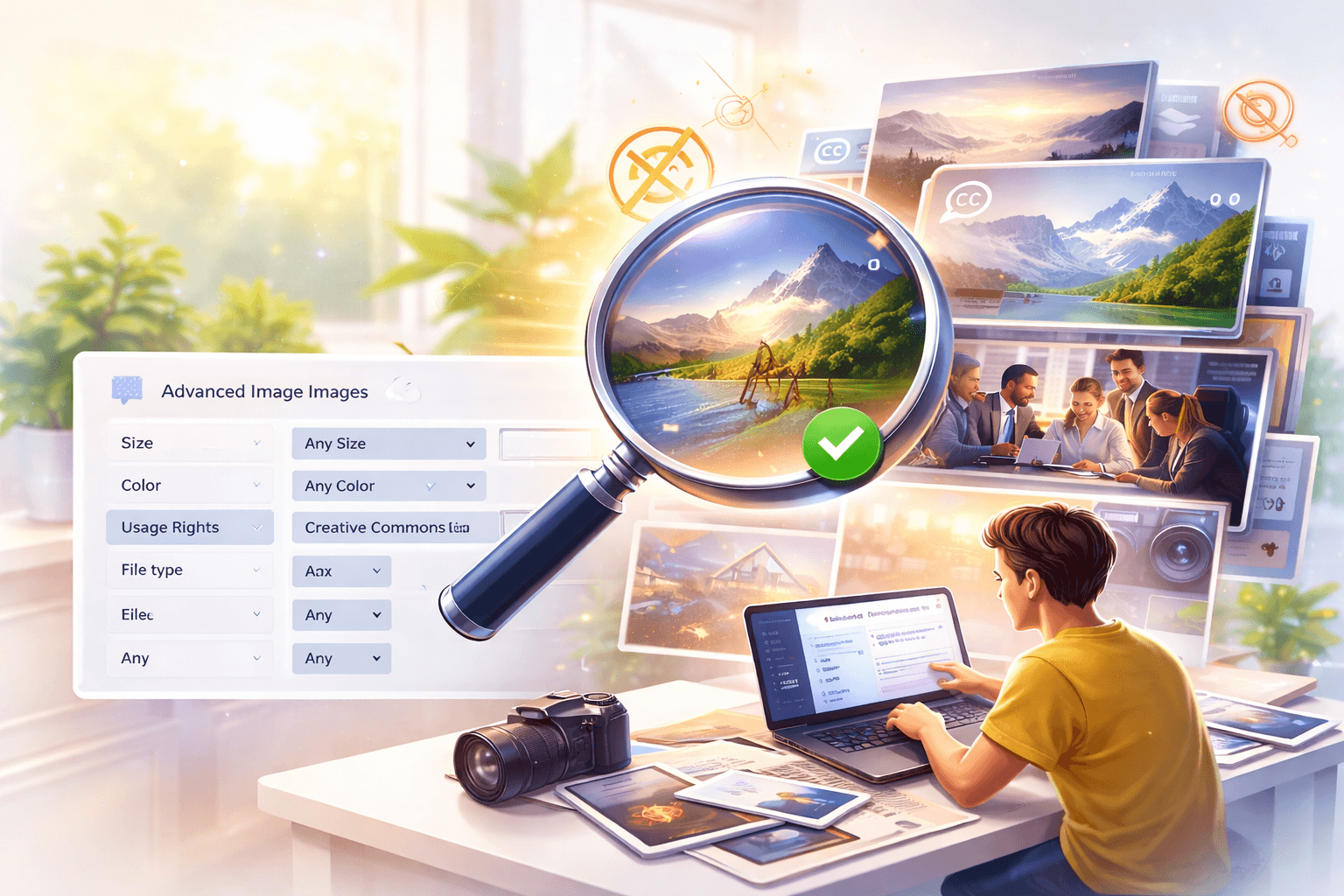
If you’ve ever Googled something and clicked on the “Images” tab…
you’ve already seen image SEO in action.
Now here’s the interesting part.
Most websites focus only on text SEO.
They completely ignore images.
And that’s a mistake.
Because optimized images can:
- Bring free traffic
- Improve rankings
- Increase engagement
So if your images are not ranking, you’re leaving traffic on the table.
Let’s fix that.
Want a custom plan based on your business?
You're not alone most businesses waste money on the wrong strategy.
Let our experts analyze your website and show you exactly what to fix.
What is Image SEO?
Image SEO means optimizing your images so they can:
- Rank on Google Images
- Appear in search results
- Drive organic traffic
This includes:
- File names
- Alt text
- Image size
- Context
It’s closely connected with advanced image Google search, which Google uses to understand visuals.
Why Image SEO Matters (More Than You Think)
Let’s make this simple.
Imagine two blogs:
- Blog A: Only text
- Blog B: Optimized images
Which one performs better?
Blog B. Always.
Because:
- Users stay longer
- Google understands content better
- More chances to rank
In fact, image optimization is a core part of SEO strategy, just like explained in ultimate guide to seo with ai tools
How Google Ranks Images
Google doesn’t “see” images like humans.
It understands images using:
- File name
- Alt text
- Surrounding content
- Page authority
So if your image is named:
❌ IMG_1234.jpg
Google has no idea what it is.
But if it’s:
✔ image-seo-optimization-guide.jpg
Now Google understands.
Step-by-Step Image SEO Optimization
Let’s break this into practical steps.
1. Use SEO-Friendly File Names
Before uploading, rename your image.
Example:
❌ image1.jpg
✔ image-seo-checklist-2026.jpg
👉 This helps Google understand your content instantly.
2. Add Alt Text (VERY IMPORTANT)
Alt text describes your image.
Example:
image SEO optimization checklist for Google ranking
👉 This improves:
- SEO
- Accessibility
3. Compress Image Size
Heavy images slow your website.
And slow websites:
👉 Rank lower
Use tools to:
- Reduce file size
- Maintain quality
4. Use Proper Image Format
- JPG → photos
- PNG → graphics
- WebP → best for performance
WebP is recommended for SEO.
5. Add Images Near Relevant Content
Don’t just add images randomly.
Place them:
- Near headings
- Inside relevant sections
This improves context.
Want more leads from your website?
Get a FREE website audit and discover exactly what’s stopping your growth.
✅ SEO Audit
✅ Lead Generation Plan
✅ Competitor Analysis
Best Tools for Image SEO
Here are some tools you can use:
| Tool | Purpose | Free/Paid |
| TinyPNG | Compression | Free |
| Canva | Image creation | Free/Paid |
| Google Lens | Image analysis | Free |
If you want more tools, check best advanced image search tools in 2026
Advanced Image SEO Tips (Pro Level)
Want to go beyond basics?
🔹 Use Structured Data
Helps Google understand images better.
🔹 Create Original Images
Avoid stock images when possible.
🔹 Optimize for Mobile
Most users are on mobile.
🔹 Add Image Sitemap
Helps Google index images faster.
How Image SEO Helps You Get Backlinks
Here’s something powerful.
When your images rank:
👉 Other websites use them
And when they use your images:
👉 You can get backlinks
This is a proven strategy used in content marketing.
Learn more about guest blogging sites list in 2026.
Common Mistakes to Avoid
Let’s avoid the usual mistakes.
❌ Using random file names
❌ Skipping alt text
❌ Uploading heavy images
❌ Using copyrighted images
These hurt your rankings.
Image SEO Checklist
| Task | Status |
| File name optimized | Yes |
| Alt text added | Yes |
| Image compressed | Yes |
| Correct format used | Yes |
Follow this checklist every time.
Real Example
Let’s say you write a blog.
Instead of:
❌ Uploading random images
You:
✔ Rename file
✔ Add alt text
✔ Compress image
Result:
- Better rankings
- More traffic
- Better UX
FAQs
What is image SEO optimization?
It’s the process of optimizing images to rank on Google.
How do I rank images on Google?
Use proper file names, alt text, and compression.
Does image size affect SEO?
Yes, large images slow your site and hurt rankings.
What is alt text in SEO?
It’s a description of your image used by search engines.
Final Takeaway
If you ignore image SEO, you’re missing a huge opportunity.
Because:
- Images are not just visuals
- They are traffic sources
Start optimizing today.
Even small changes can bring big results.
Want Traffic Like This for Your Website?
This blog ranks because of smart SEO strategy.
Imagine your business getting:
- Consistent traffic
- High-quality leads
- Better visibility